A share-on-Telegram button on every link, plus posting to your channel with a text editor (bold, emojis, image) and a live preview.
A Telegram-focused add-on with two features:
Each link shows a Telegram button that opens the app with the title and short URL already filled in, ready to send to anyone.
Clicking "publish" opens an editor where you format the message (bold, italic, strikethrough, links, emojis), add an image and see a live preview. Linsei sends it to your channel via a bot.
The share button works as soon as you install the add-on.
To post to your channel:
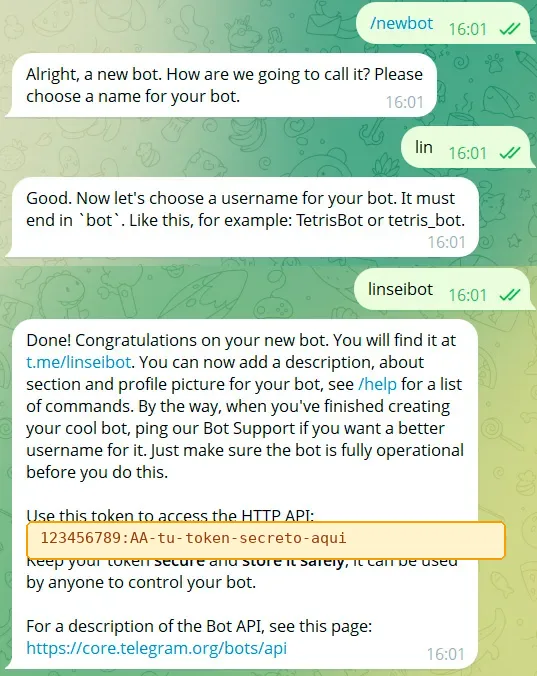
In Telegram, talk to @BotFather, create a bot and copy its token.
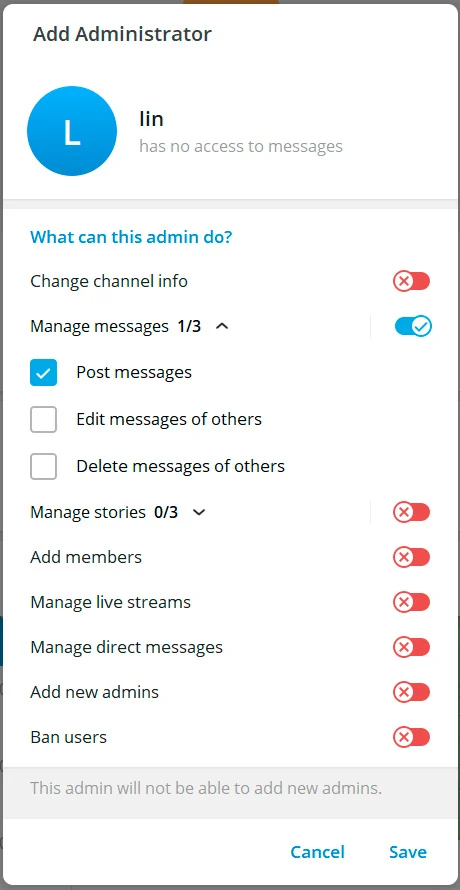
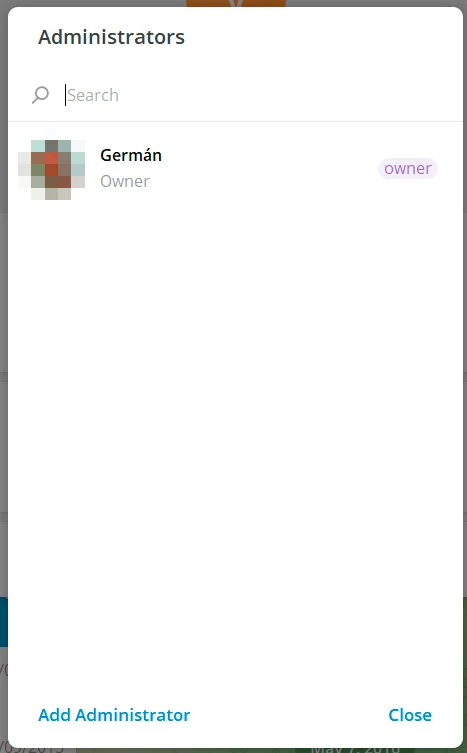
Add the bot as an admin of your channel so it can post.
In Add-ons › Share and publish paste the token, the channel (@mychannel or -1001234567890) and an initial template.
On each link click publish, format the message, add an image if you want and send.
{title} (link title), {short_url} (the short URL) and {target} (the final destination URL, not shortened).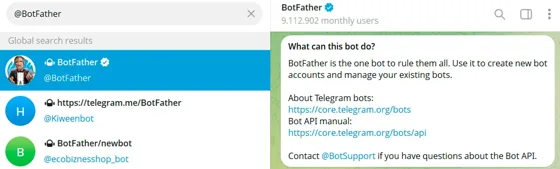
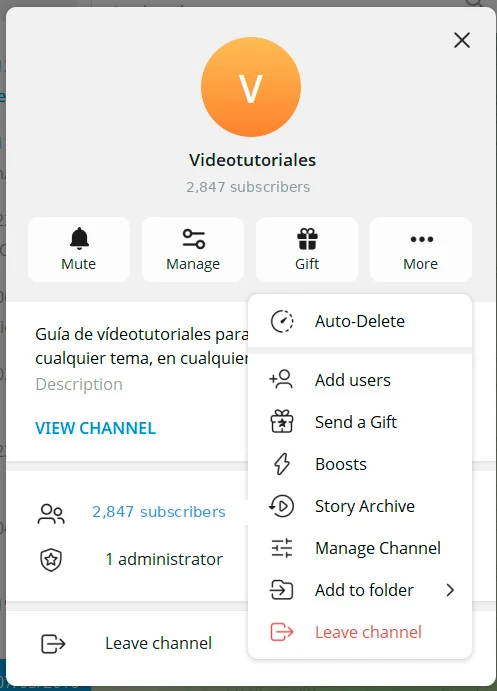
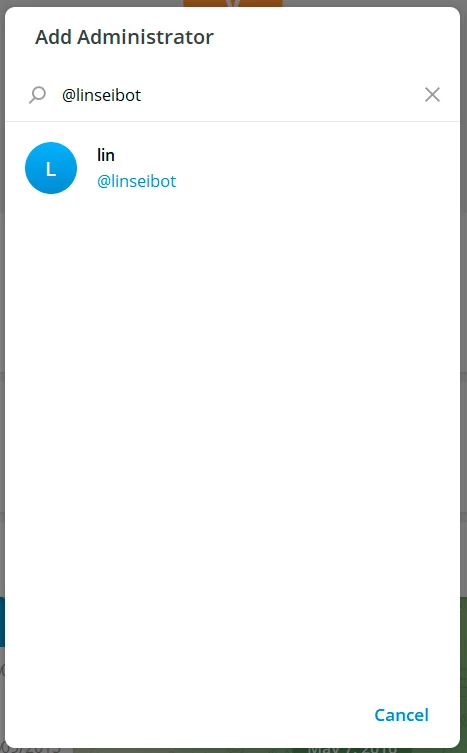
@yourbot) and select it.